Tasks and scans
Monitoring tasks, scan frequency and search preferences.
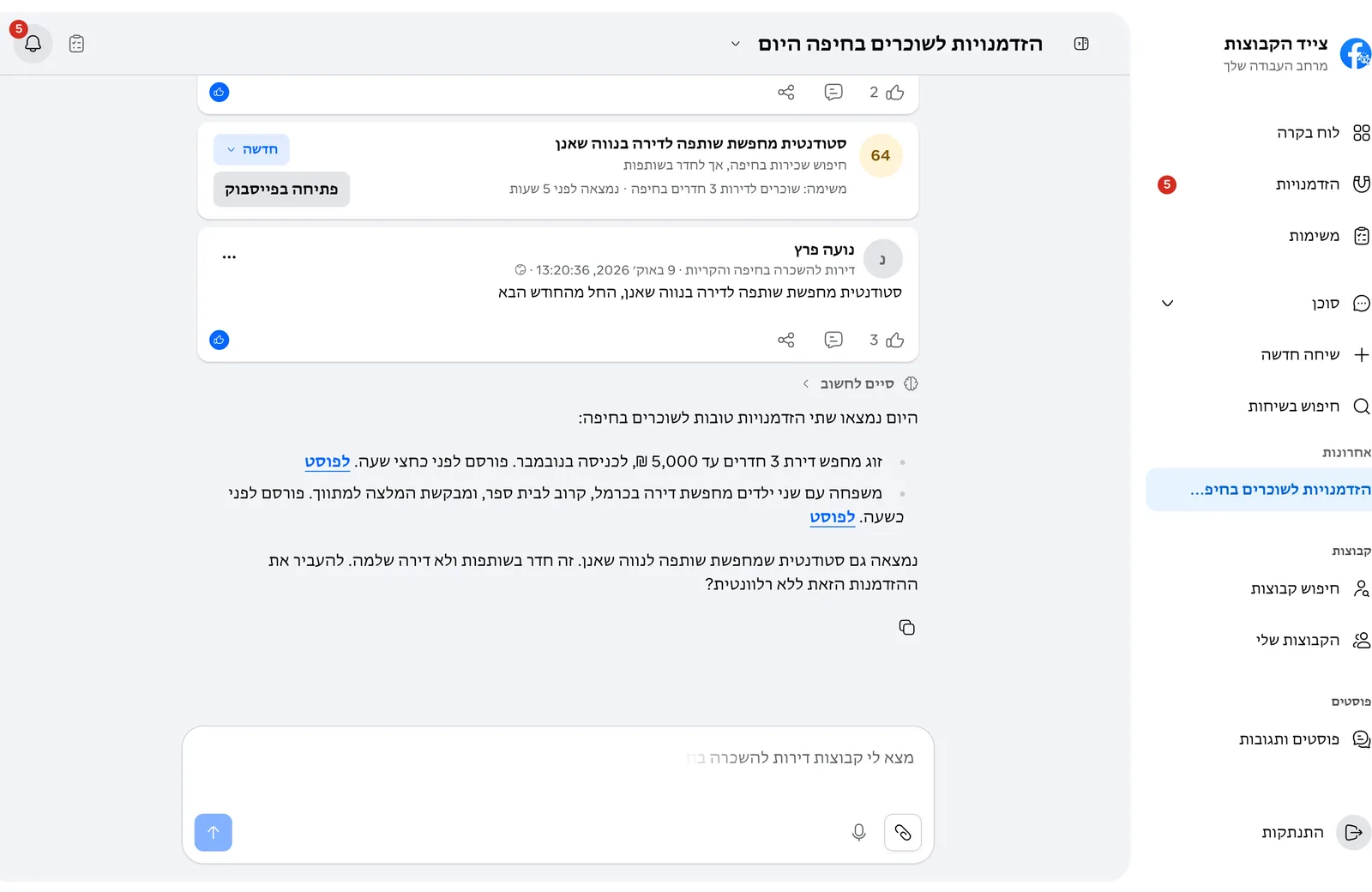
Tell the agent what to look for and in which groups, for example "watch for 3-room apartments in Hadera in my saved groups". The agent creates a task and it appears on the Tasks page.
Each task has its own frequency, and Settings > Automation and pace sets the default for new tasks. The options:
- Realtime, every 5 minutes or every 15 minutes.
- Every hour, every 6 hours or once a day.
Yes. Ask the agent to scan a task now, and see its recent scans.
In Settings > Goals and preferences write what you look for, what is not relevant, what you offer, your area and your writing style. The more precise it is, the more precise the opportunities.
Select "Sign up" on the site, enter an email and a password, and confirm the email we send you. After your first log-in, connect a Facebook account and tell the agent what you are looking for.
On the log-in page choose "Forgot your password?" and enter your account email. You get an email with a link where you choose a new password.