
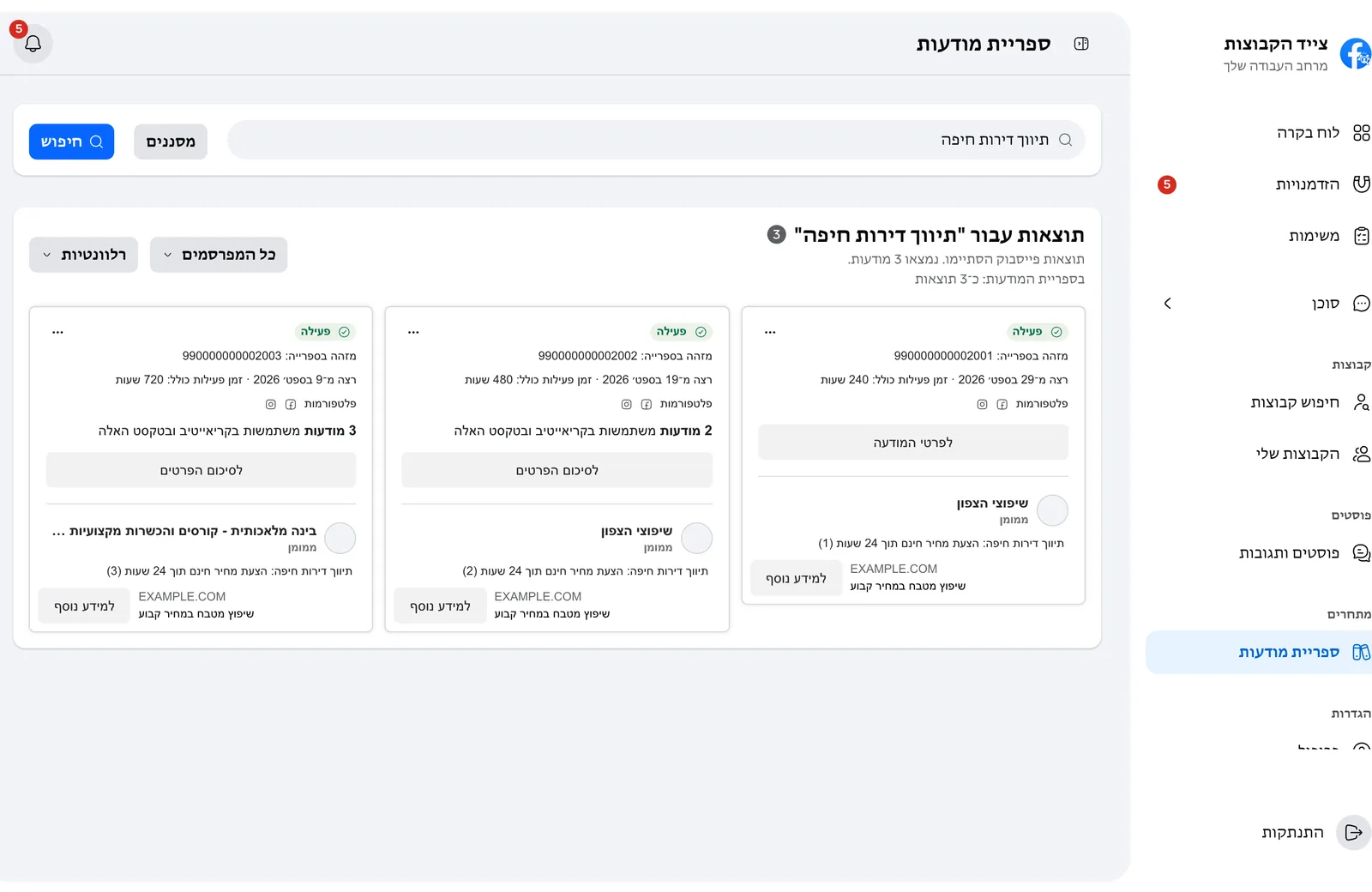
Every ad in one field, together
Search by words or by advertiser, and see every ad with the date it started, how long it has run and how many versions it has.
The Ad Library is open to everyone, but going competitor by competitor and seeing what changes is hard.
Search by words or by advertiser, and see every ad with the date it started, how long it has run and how many versions it has.
Everything the Ad Library can filter, in one search and in your language.
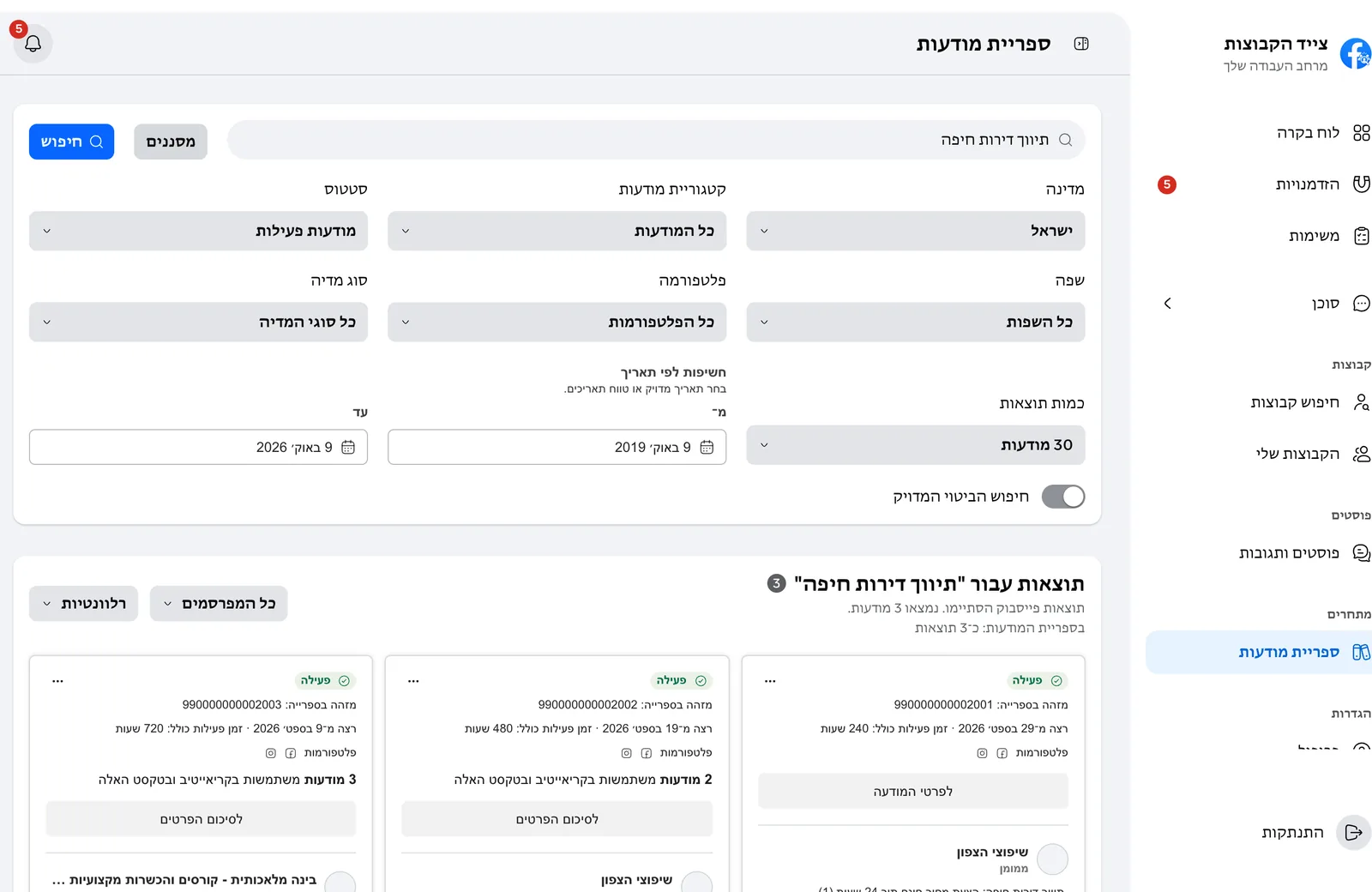
Country, language, media type, platforms, dates, active or inactive ads, and an exact-phrase search.
The creative, the copy, the call-to-action button and the link, and if Facebook removed an ad, the reason.
A few signals that show what works for them, and what to try differently.
From Meta's public Ad Library, through the Facebook account you connected. You see what the library shows.
Any advertiser in the library. Search by words, then narrow by advertiser, country, language, media type and dates.
Yes. Choose active ads, inactive ads or both.
The Ad Library shows spend only for some ads, such as ads about social issues and politics. For the rest you see how long they run, on which platforms and in how many versions.
Necessary cookies keep the website and the app sign-in working. Optional analytics cookies run only after you choose Accept All. Cookie policy