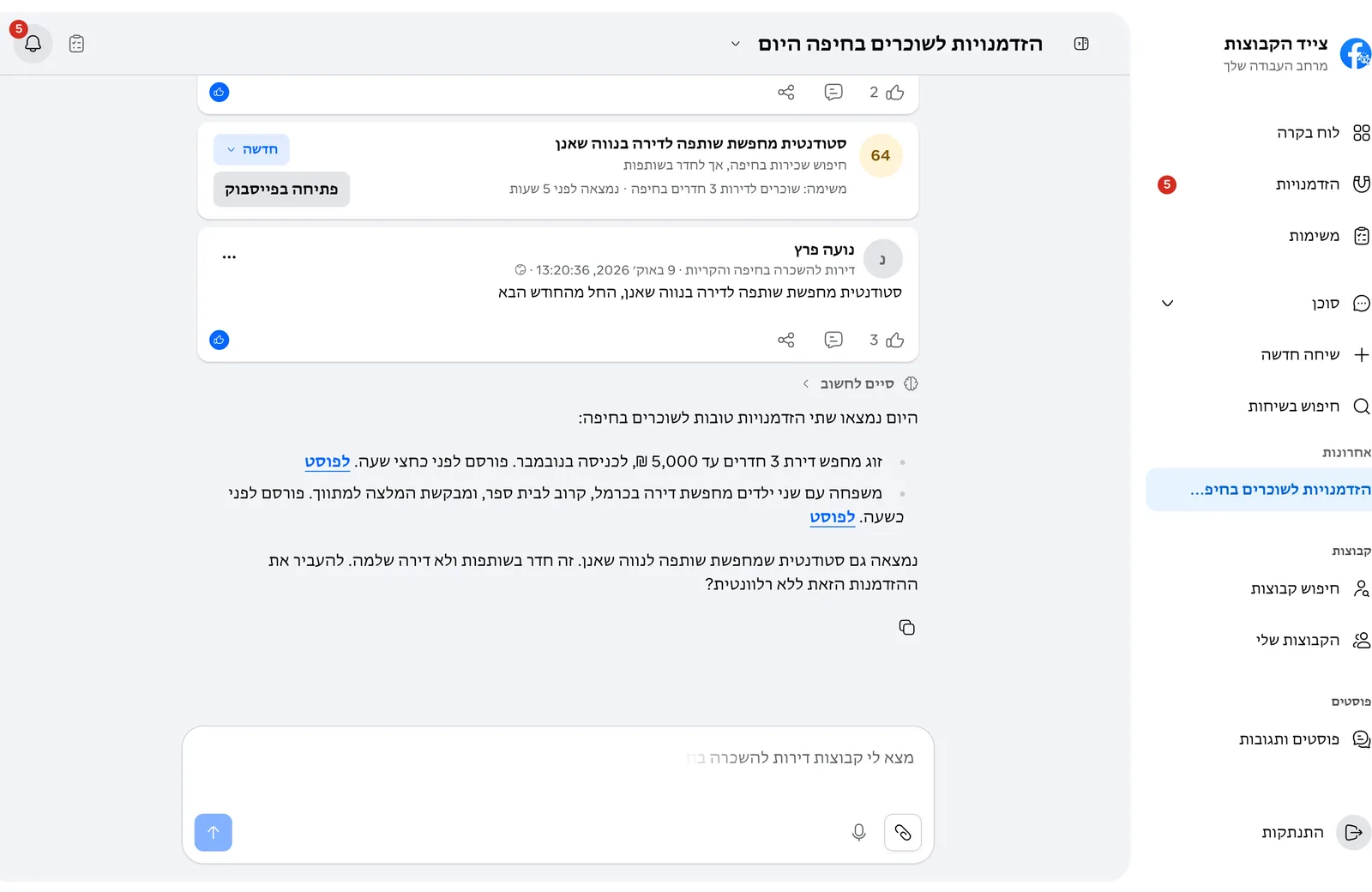
One chat instead of hours of scrolling
Tell the agent what you need, where and on what budget. It asks only for what is missing, finds groups and suggests a tracking task you can add in one click.
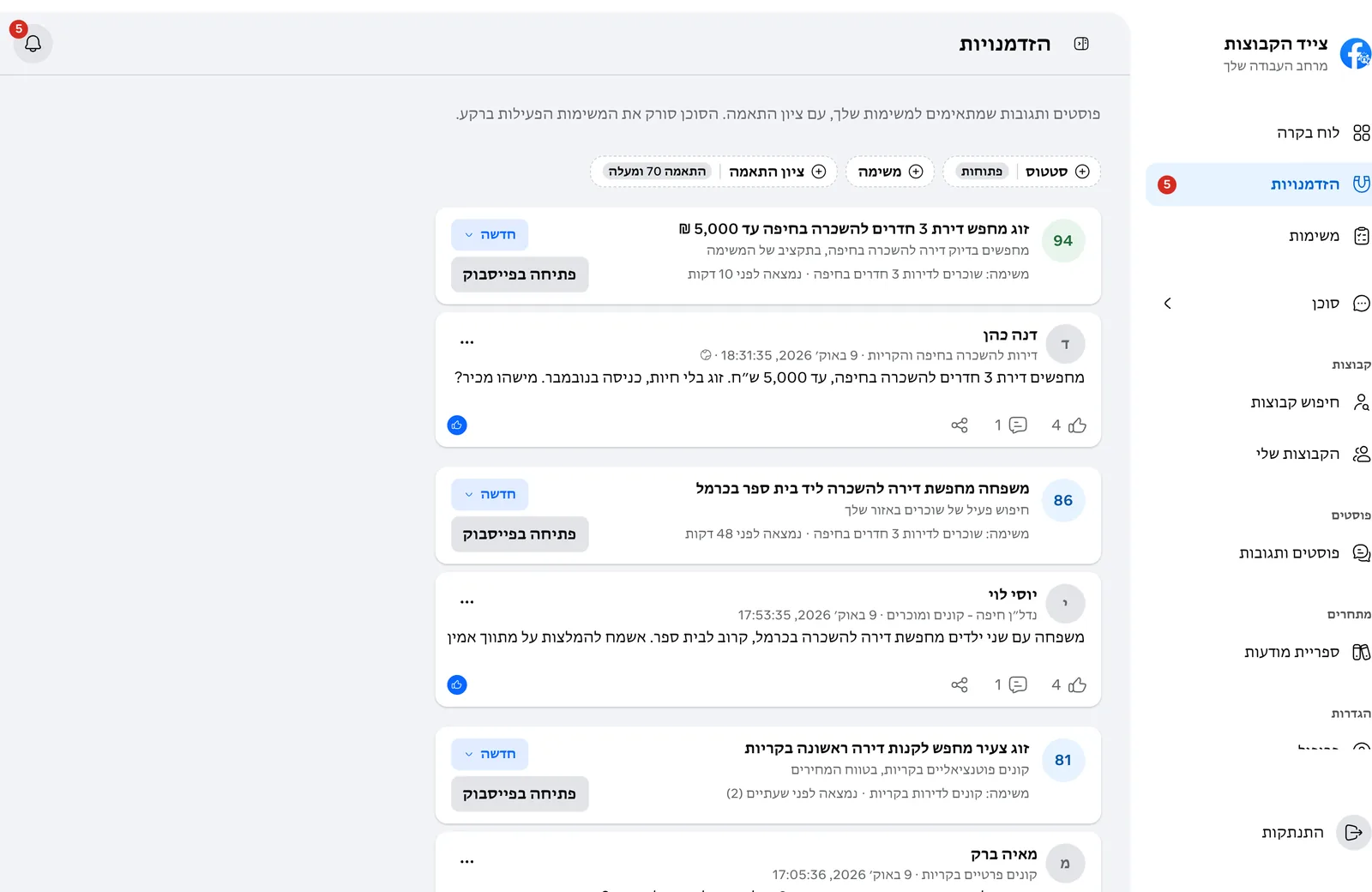
But they post across dozens of groups, in different words, at all hours. Going through it yourself takes hours, and a good post scrolls away in minutes.
Tell the agent what you need, where and on what budget. It asks only for what is missing, finds groups and suggests a tracking task you can add in one click.
Anything you can do in GroupsHunter’s screens, you can also ask for in the chat.
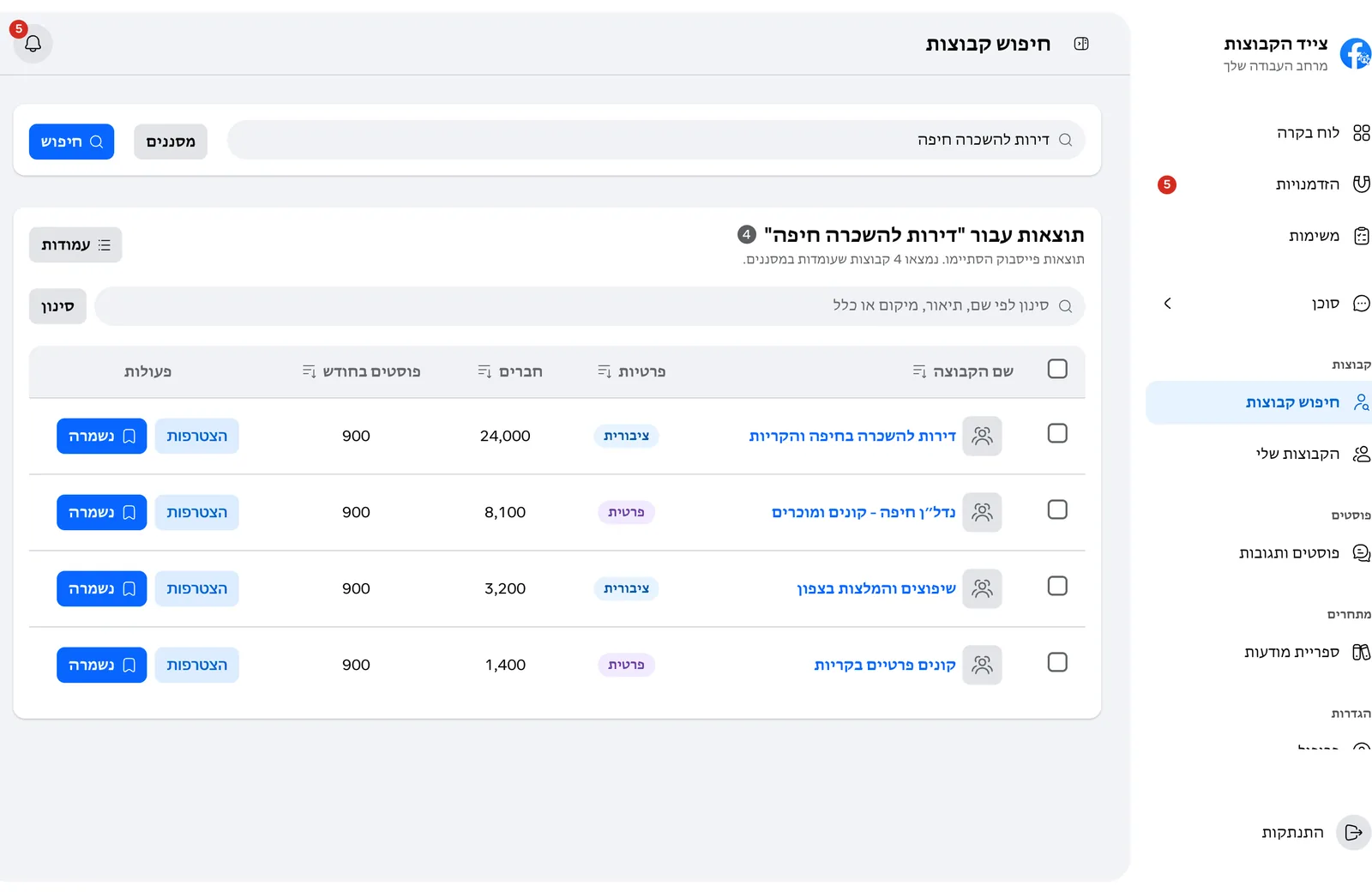
Searches groups by topic and area, shows size, privacy and activity, and saves the ones that fit to your groups.
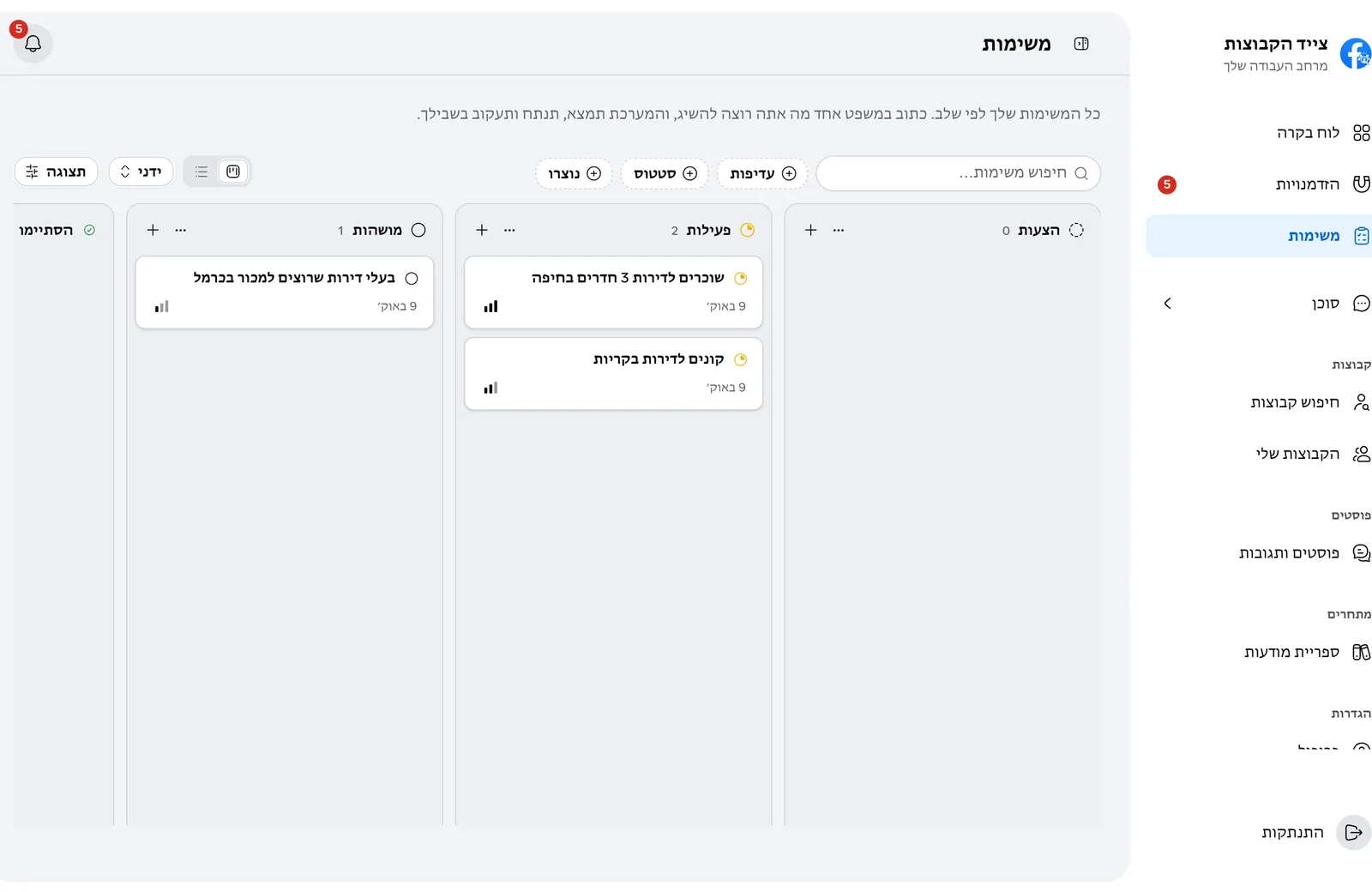
Turns your goal into a task with details, area and budget, and starts it when you approve. From there it scans your groups on its own.
The agent reads your settings, saved groups and opportunities, so you don’t repeat yourself in every chat.
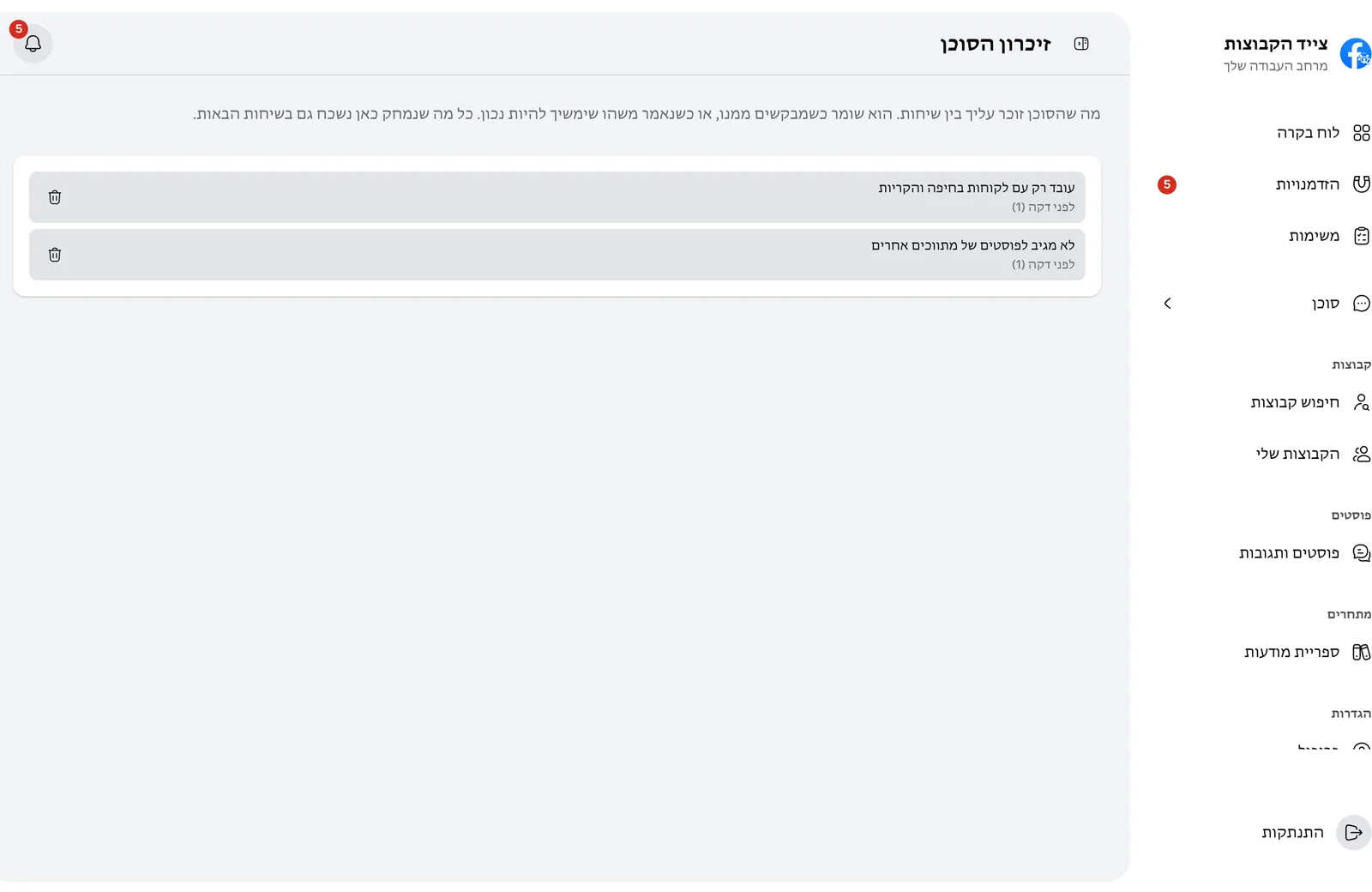
An action on Facebook, like joining a group, waits for your approval. The agent prepares the request and the answers to the join questions, and sends only after you approve.
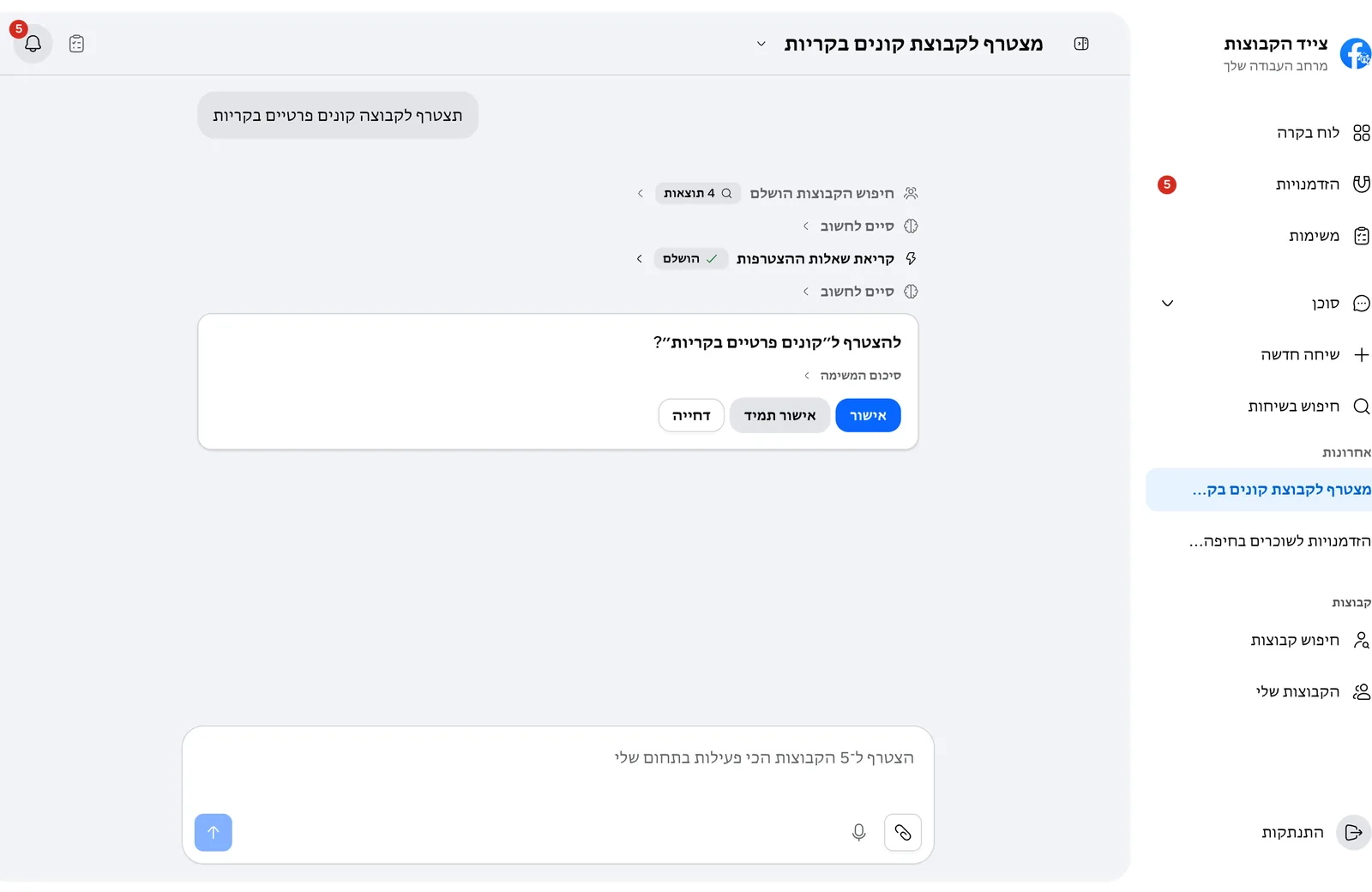
Search Facebook groups and save the ones that fit, prepare a join request with answers to the group's questions, create and update tracking tasks, run a scan now, go over the opportunities it found, and update your settings.
No. Joining a group waits for your approval, and requests go out at the pace you set in the automation and pace settings.
It reads your profile and your goals and preferences, and remembers facts you ask it to keep. You can see and delete every memory in Settings, under the agent's memory.
Yes. Every chat is saved to your account. You can search them, rename or pin a chat, and download one as a file.
Chats are saved to your account only. Delete one from its menu, or all of them at once in Settings, under data management.
Necessary cookies keep the website and the app sign-in working. Optional analytics cookies run only after you choose Accept All. Cookie policy