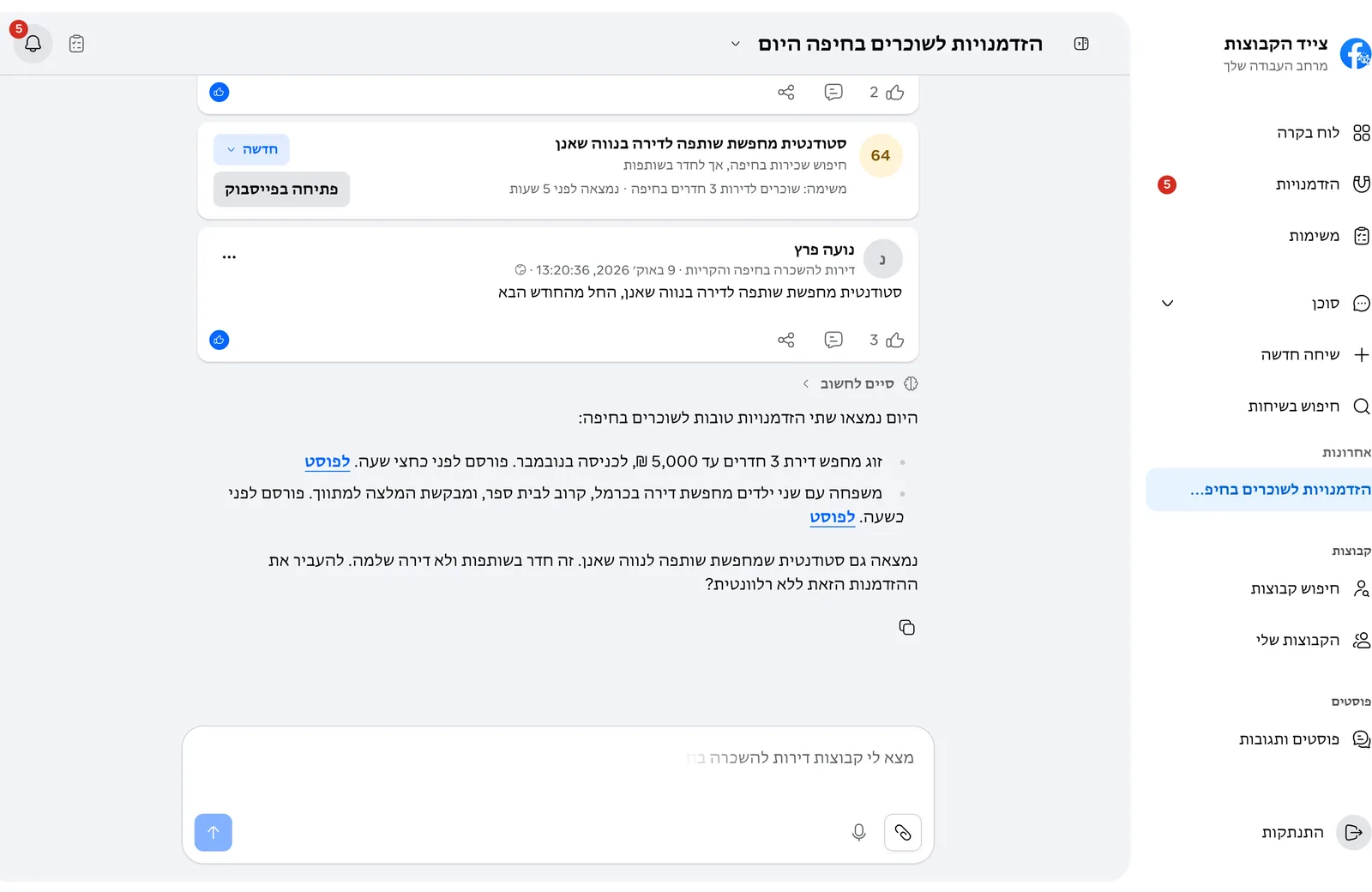
The AI agent
What the agent does, when it asks for approval and what it remembers.
Write to the agent in plain language and it works for you inside the app:
- Finds Facebook groups, saves them and prepares joining.
- Creates, updates and deletes monitoring tasks, and scans now when you ask.
- Lists opportunities and changes their status.
- Updates settings and remembers what matters to you.
Not for actions that go out to Facebook on your behalf. Joining a group, for example, waits for your approval in the chat before it is sent.
The agent saves details that matter for the work, like what you look for and what does not fit you, and remembers them between chats. Settings > Agent memory shows everything it remembers, and you can delete anything.
From each chat's menu you can pin it, rename it, download it or delete it.
Select "Sign up" on the site, enter an email and a password, and confirm the email we send you. After your first log-in, connect a Facebook account and tell the agent what you are looking for.
On the log-in page choose "Forgot your password?" and enter your account email. You get an email with a link where you choose a new password.